

The wholesale portal
Drevi Wholesale Private, by approval.
An ordering portal for approved boutiques and multi-brand stores. Every design, with its wholesale price, on your phone.
- No minimum order
- No payment to order
- We call on every order
Watch how it works in English video हिन्दी (Hindi video) ગુજરાતી (Gujarati video)
Already a partner? Sign in
A two-minute video
See how it works
One walkthrough of the portal, voiced in three languages. Choose the one you are most comfortable in.
About two minutes · English captions on every version
This video can't play here. Read the transcript below.
Wholesale prices are blurred in this video. Approved partners see them in the portal.
Ready to order? Request access
Read the transcriptHide the transcript · English
- In this video we'll see how to use the Drevi wholesale portal, step by step.
- Open the message you got on WhatsApp, and tap the link in it.
- Type the login name exactly as it is written in the message. Do not use your own Gmail.
- Next, type the password that is given in the message.
- Now tap Sign In.
- This is your home screen. New designs and all the categories are right here.
- The three lines at the top left are the menu. Catalog, Cart and My Orders are all in there.
- Tap Catalog.
- Every design is here, with its photo, name, SKU and wholesale price.
- To narrow the list, pick a category at the top, like Lehenga.
- You can also search by name or SKU.
- Tap any design's photo to open it.
- All the details are here. The fabric, the work on it, and the price.
- The quantity is below. Tap plus to add pieces.
- Now tap Add to Cart.
- Tap the cart icon at the top right.
- You can change the quantity here too. The total updates on its own.
- To remove an item, tap the cross.
- Below, you can write a note, anything you want to tell Rakesh about this order.
- Then tap Submit Order Request. No payment happens here.
- Your request has reached us. Rakesh will call within 24 hours to confirm stock and rate.
- All your orders and bills are in My Orders.
- One more thing. If you ever forget your password, tap Forgot Password on the login page.
- Type your username and tap Message Rakesh on WhatsApp. He will send you a new password.
- Any question at all, just reply on WhatsApp. Thank you.
This video can't play here. Read the transcript below.
Wholesale prices are blurred in this video. Approved partners see them in the portal.
Ready to order? Request access
Read the transcriptHide the transcript · हिन्दी
- इस video में हम देखेंगे Drevi wholesale portal कैसे use करना है, step by step।
- WhatsApp पर जो message आया है, उसे खोलिए और उसमें जो link है, वो दबाइए।
- Username वही टाइप कीजिए जो message में है, अपना Gmail या email नहीं।
- फिर उसी message से password टाइप कीजिए।
- अब Sign In दबाइए।
- ये आपकी home screen है। नए designs और सारी categories यहीं दिखेंगी।
- ऊपर बाईं तरफ तीन लाइनें हैं, ये menu है। Catalog, Cart और My Orders सब यहीं हैं।
- Catalog दबाइए।
- यहाँ सारे designs हैं, हर एक की photo, नाम, SKU और wholesale price के साथ।
- List छोटी करनी हो तो ऊपर से category चुनिए, जैसे Lehenga।
- नाम या SKU से search भी कर सकते हैं।
- किसी भी design की photo पर tap कीजिए, design खुल जाएगा।
- सारी details यहाँ हैं, fabric, उस पर क्या काम है, और price।
- नीचे quantity है। पीस बढ़ाने के लिए plus दबाइए।
- अब Add to Cart दबाइए।
- ऊपर दाईं तरफ cart का icon दबाइए।
- यहाँ भी quantity बदल सकते हैं। Total अपने आप बदल जाता है।
- कोई item हटाना हो तो cross दबाइए।
- नीचे note लिख सकते हैं, इस order के बारे में राकेश को जो भी बताना हो।
- फिर Submit Order Request दबाइए। यहाँ कोई payment नहीं होता।
- आपकी request हमें मिल गई। राकेश 24 घंटे में call करके stock और rate confirm करेंगे।
- आपके सारे orders और bills My Orders में मिलेंगे।
- एक और बात। कभी password भूल गए तो login page पर Forgot Password दबाइए।
- Username टाइप करके Message Rakesh on WhatsApp दबाइए। राकेश नया password भेज देंगे।
- कोई भी सवाल हो तो WhatsApp पर reply कर दीजिए। शुक्रिया।
This video can't play here. Read the transcript below.
Wholesale prices are blurred in this video. Approved partners see them in the portal.
Ready to order? Request access
Read the transcriptHide the transcript · ગુજરાતી
- આ video માં આપણે જોઈશું Drevi wholesale portal કેવી રીતે use કરવું, step by step.
- WhatsApp પર જે message આવ્યો છે, એ ખોલો અને એમાં જે link છે, એ દબાવો.
- Username એ જ type કરો જે message માં છે, તમારું પોતાનું Gmail કે email નહીં.
- પછી એ જ message માંથી password type કરો.
- હવે Sign In દબાવો.
- આ તમારી home screen છે. નવી designs અને બધી categories અહીં જ દેખાશે.
- ઉપર ડાબી બાજુ ત્રણ લાઈન છે, એ menu છે. Catalog, Cart અને My Orders બધું એમાં જ છે.
- Catalog દબાવો.
- અહીં બધી designs છે, દરેકનો photo, નામ, SKU અને wholesale price સાથે.
- List નાની કરવી હોય તો ઉપરથી category પસંદ કરો, જેમ કે Lehenga.
- નામ કે SKU થી search પણ કરી શકો છો.
- કોઈ પણ design ના photo પર tap કરો, design ખૂલી જશે.
- બધી details અહીં છે, fabric, એના પર શું કામ છે, અને price.
- નીચે quantity છે. પીસ વધારવા માટે plus દબાવો.
- હવે Add to Cart દબાવો.
- ઉપર જમણી બાજુ cart નો icon દબાવો.
- અહીં પણ quantity બદલી શકો છો. Total આપોઆપ બદલાઈ જશે.
- કોઈ item કાઢવી હોય તો cross દબાવો.
- નીચે note લખી શકો છો, આ order વિશે રાકેશભાઈને જે પણ કહેવું હોય.
- પછી Submit Order Request દબાવો. અહીં કોઈ payment થતું નથી.
- તમારી request અમને મળી ગઈ. રાકેશભાઈ 24 કલાકમાં call કરીને stock અને rate confirm કરશે.
- તમારા બધા orders અને bills My Orders માં મળશે.
- એક બીજી વાત. ક્યારેય password ભૂલી જાઓ તો login page પર Forgot Password દબાવો.
- Username type કરીને Message Rakesh on WhatsApp દબાવો. રાકેશભાઈ નવો password મોકલી દેશે.
- કોઈ પણ સવાલ હોય તો WhatsApp પર reply કરી દેજો. આભાર.
Inside the portal
It opens in your phone's browser. Add it to your home screen and it opens like an app.
The catalogue
- Every design, with its photographs, design code and wholesale price per piece.
- Browse by category (Lehenga, Suit Set, Saree, Indo-Western Set, Separates) and sub-category, or search by name or design code.
- New this week shows the designs added in the last seven days. Reorder your usuals lists what you bought before.
- Scan the QR code on a garment tag to open the design, or add it straight to your cart.
Your orders and account
- Your cart is saved to your account, so it is the same on every device.
- Every order is in My Orders, with its bills as PDFs. GST invoices carry the GSTIN on your profile.
- Your delivery address, usual transporter and broker are yours to update.
In the catalogue
The collection
-

Lehenga -
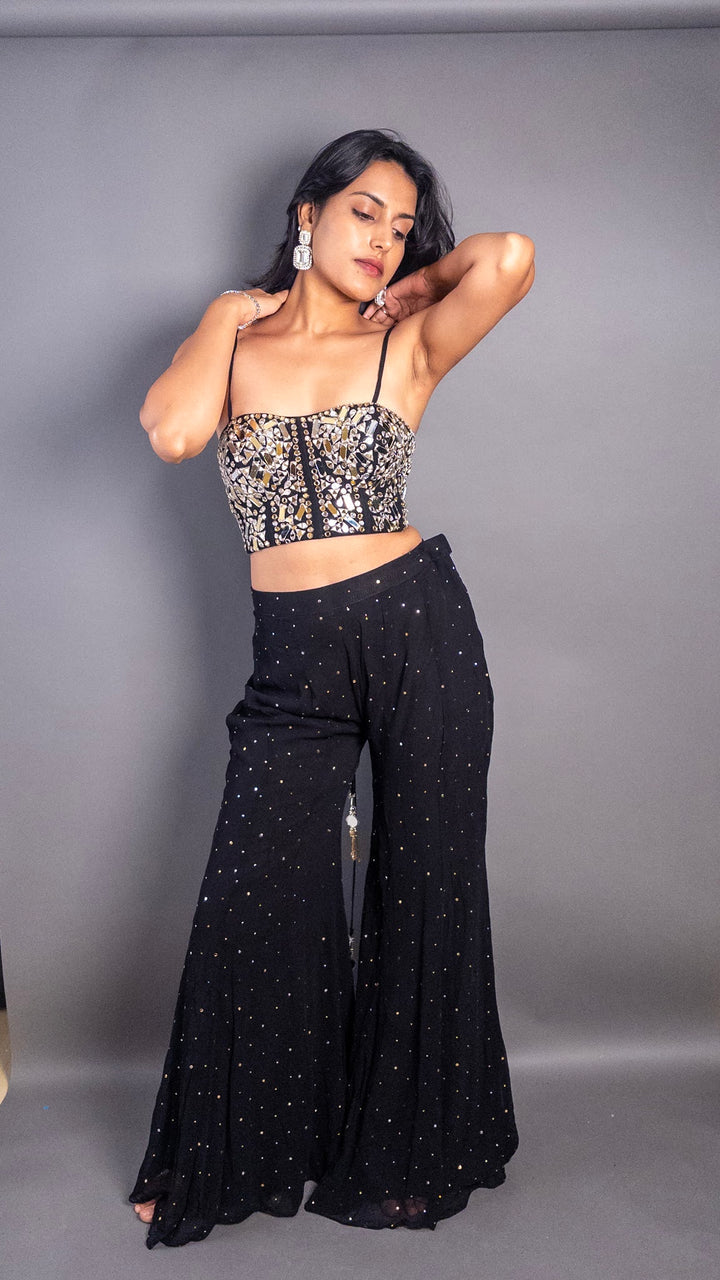
Suit Set -

Saree -
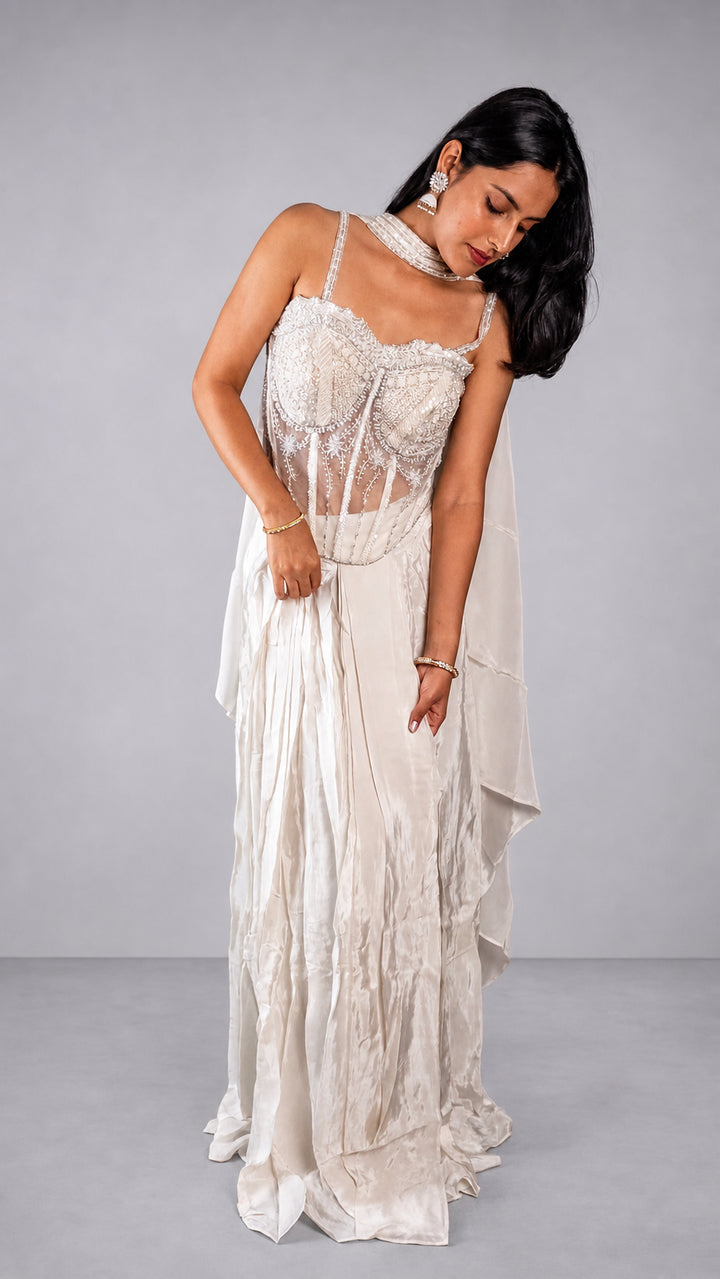
Indo-Western Set
From request to delivery
A call, not a checkout
You pay nothing in the portal. You send an order request, and our wholesale team confirms it with you on a call.
-
Request access
Fill in the form below, or message our wholesale team on WhatsApp.
-
Sign in from WhatsApp
Our wholesale team reviews your request. If you are approved, your sign-in details come on WhatsApp.
-
Choose and send
Add the pieces you want, add a note for our team if you like, and tap Submit Order Request. No minimum order.
-
We call you
Within 24 hours, to confirm availability and the rate.
-
Track it to delivery
Submitted, Confirmed, Packed, Out for delivery, Delivered. Follow every stage in My Orders.
Private access
Request access
The portal is for approved boutiques and multi-brand stores. Tell us about your store. Our wholesale team reviews every request and, if you are approved, sends your sign-in details on WhatsApp.
For approved partners
Already a partner?
Sign in with the link in your WhatsApp message, or with your username and password.
Sign in to the portalForgot your password? Tap Forgot Password on the sign-in page, and our wholesale team will help you on WhatsApp.
A Mumbai label, from our studio in Dadar West to your boutique.